About
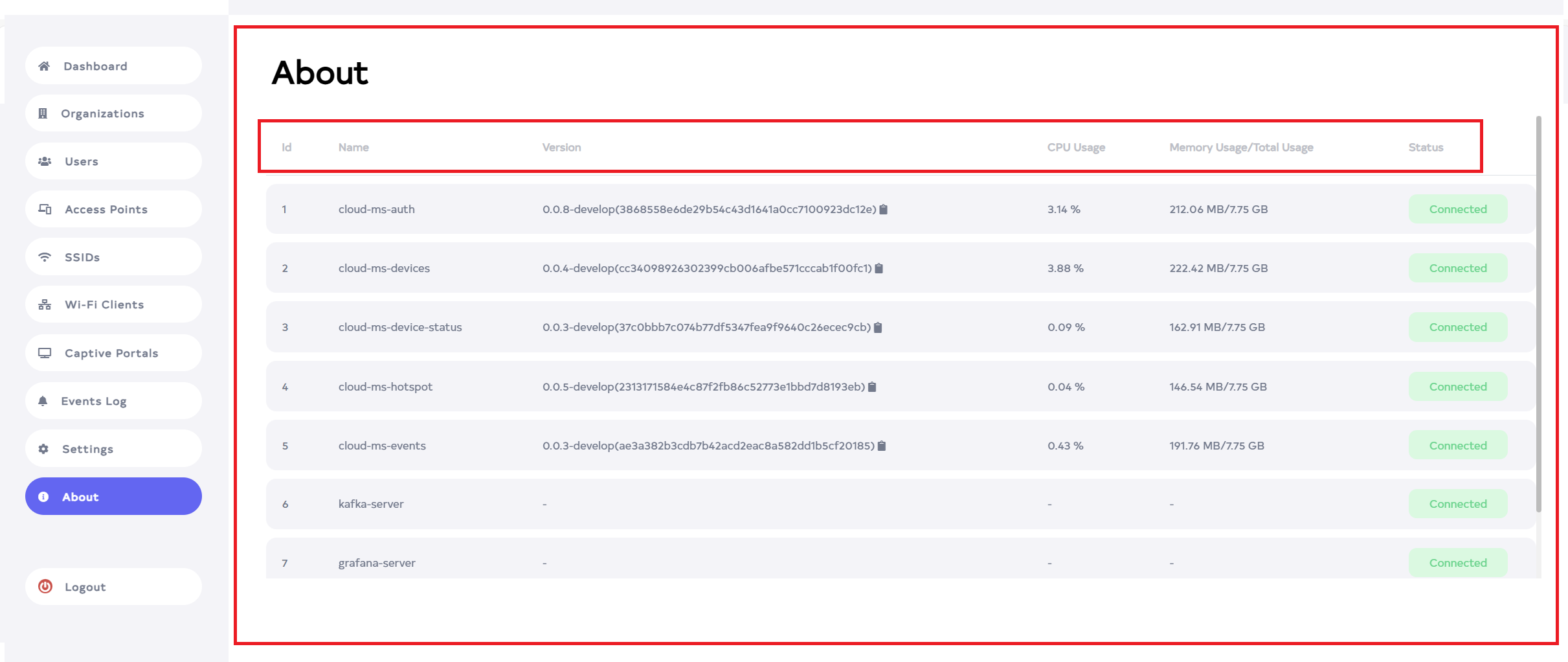
The application provides detailed information about all the microservices. This includes the microservice name, the version, which branch it is associated with, whether it is running, connected, the total memory it has, how much memory it is using, and the CPU usage. This information can be found under the "About" section.
Accessing and Understanding Microservice Details
-
Go to the Login > About menu.
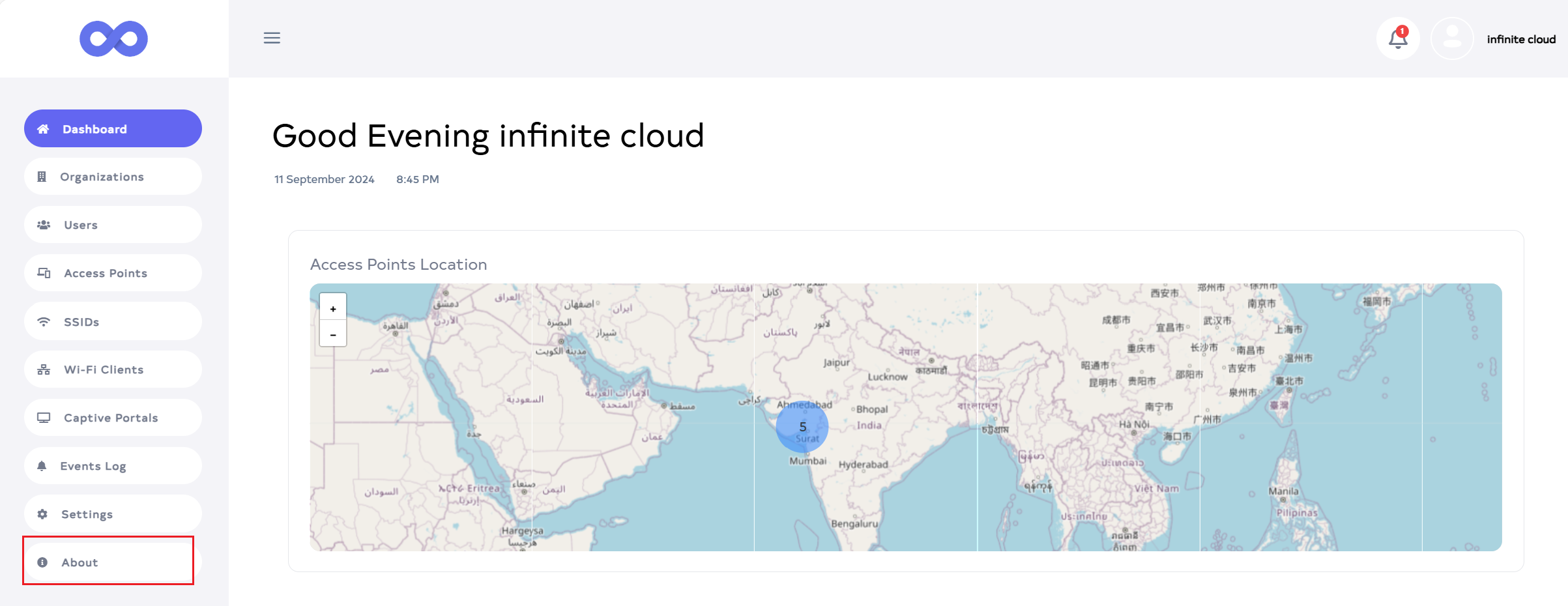
-
In the About section, details such as the microservice Name, Version, CPU usage, Memory usage/Total capacity, and Status are displayed.
-
Name: This field shows the name of the microservice.
-
Version: The version section displays the first three numbers as the version, followed by the branch name after a hyphen the commit id name in the Angle bracket. For example, "0.0.8-develop(3868558e6de29b54c43d1641a0cc7100923dc12e)" indicates that 0.0.8 is the version, develop is the branch name, and 3868558e6de29b54c43d1641a0cc7100923dc12e is the commit ID.
-
CPU Usage: Shows the total CPU usage for the service.
-
Memory Usage/Total Usage: This displays the total available memory and the amount currently in use. For example, "209.50MB/7.75GB" means that out of 7.75GB of total memory, 209.50MB is being utilized.
-
Status: This field displays the connectivity status of the microservice. If the microservice is running, it will show Connected. If the microservice stops running or encounters an error, it will show Disconnected.