Gwc External Authentication
Overview of Gwc-external-authentication
GWC-external-authentication is a method that verifies user credentials through an external system or service, such as a third-party provider. It enhances security and user experience by leveraging existing authentication systems, allowing seamless integration and reducing the need for multiple passwords. This approach simplifies access management and maintains robust security standards.
How to connect Gwc-external-authentication
-
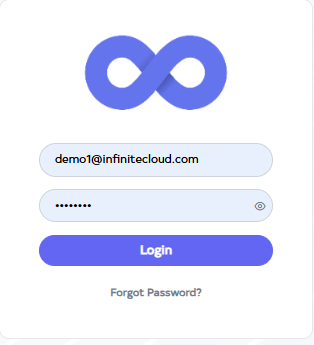
Go to Cloud platform and go there fill the details and then click on login button
-
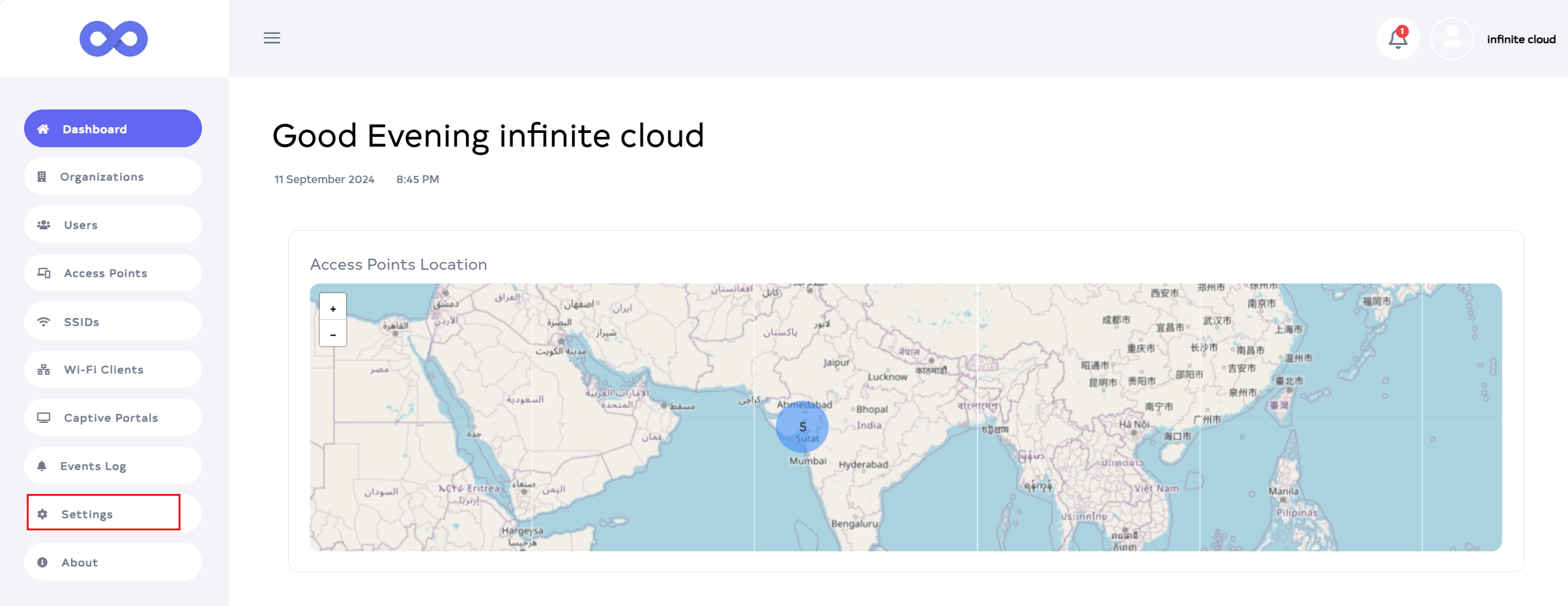
Click the Login button to reach the Dashboard by default. Then go to the Captive Portals menu.
-
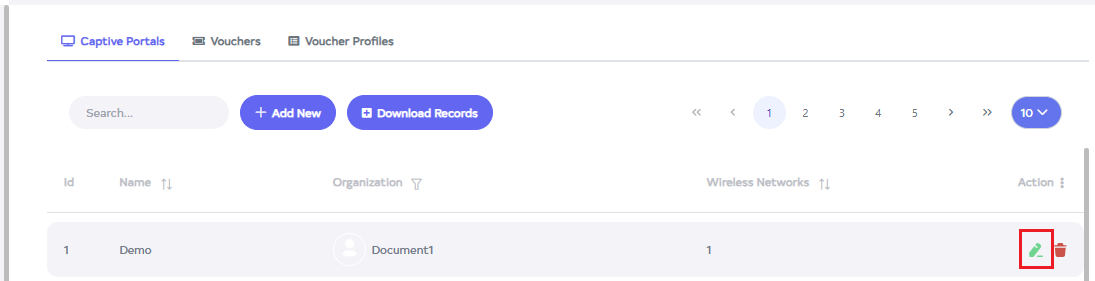
After going to the Captive Portals, click the Edit button.
-
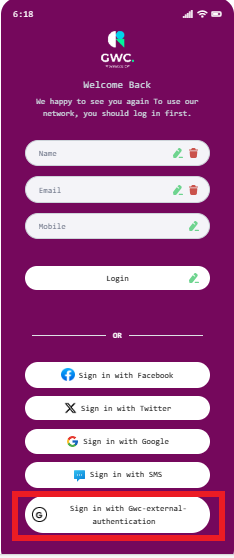
After clicking the Edit button, go to the Login Method and click on Gwc-external-authentication.
-
There is the option of Gwc-external-authentication will appear on the screen. Go to it and Login.
How to use Gwc-external-authentication to client
-
Open the WIFI. After opening WIFI it will search.
-
Then there will be an SSID show. Click on it. For Ex:- here Captive Portal is added in SSID test so log in from it.
-
Click on it and a new page will open. Click on Gwc-external-authentication there and Login.